The Dynamic Dance of Google SERPs: Why Your Shopify Store's Ranking Might Seem to 'Jump'
Hey there, fellow Shopify merchants and store operators! You know that feeling when you're meticulously checking your store's ranking on Google, hoping to see your hard work pay off on the first page? What if I told you that sometimes, what you see isn't always what you get on the first try? This week, I stumbled upon a fascinating discussion in an online community that really got me thinking about the nuances of Google's search results.
The original poster brought up a curious observation: they'd search for a specific phrase, and their target page wouldn't appear on the first page of results. But then, if they clicked to the second page and immediately clicked 'previous' to go back to the first page, suddenly, their page would show up near the bottom of page one! It's like a magic trick, but one that leaves you scratching your head about what's really going on with Google.
Unpacking the Google SERP Mystery
This isn't an isolated incident, and it speaks volumes about how dynamic and complex Google's algorithms truly are. The original poster even confirmed that this behavior was repeatable in incognito mode, with customized search results disabled, which rules out simple browser history or cookie-based personalization.
So, what could be causing this? A community member offered a couple of compelling theories that really hit the nail on the head. One idea was that you might be hitting a different data center on the reload. Google operates a massive global network of data centers, and depending on your location and network path, you might be routed to different servers, each potentially having slightly different, albeit temporary, cached versions of the index or even different test algorithms running.
The second, and perhaps more intriguing, theory is that the search engine might be interpreting your 'pagination click' (going to page two and back) as a signal. Essentially, by going to the second page, you're telling Google, "Page one didn't quite answer my query." In response, Google might subtly reshuffle the results, hoping to provide a more relevant set of options, which could then bring your page into view on the refreshed first page.
What This Means for Your Shopify Store's SEO
For us running Shopify stores, this insight is crucial. It tells us that Google's search results are not static. They're a living, breathing, constantly optimizing entity. While it might be tempting to chase these micro-fluctuations, the real takeaway is to focus on a robust, foundational SEO strategy that makes your store consistently valuable in Google's eyes, regardless of minor algorithmic shifts or data center variations.
Instead of worrying about these momentary shifts, let's channel that energy into what we can control. Here are some actionable steps:
- Content is King (and Queen): Ensure your product descriptions, collection pages, and blog posts are rich, informative, and genuinely helpful. Use your target keywords naturally, but always prioritize user experience.
- Technical SEO Health: Keep your Shopify store fast, mobile-friendly, and error-free. Google rewards sites that offer a seamless experience.
- Build Strong Internal Links: This is a massive one for both SEO and user experience. Thinking about how to add internal links in Shopify effectively can significantly boost your store's authority and discoverability.
How to Add Internal Links in Shopify
Internal links are hyperlinks that point to other pages within the same domain. They help Google understand the structure of your site, pass 'link equity' between pages, and guide users to related content. For your Shopify store, this could look like:
- Product Descriptions: If a product complements another, link directly to it. E.g., "Pair this stunning necklace with our matching earrings."
- Blog Posts: When writing about a topic, link to relevant products or collections. E.g., "Read more about choosing the right material for your home decor."
- Collection Pages: You can often add rich text descriptions to collection pages. Use this space to link to sub-collections or specific best-selling products.
Shopify's rich text editor makes adding these links super easy. Just highlight the text you want to link, click the link icon, and search for the page, product, or collection you want to connect to. It's a simple yet powerful way to improve your store's SEO.
EShopSet Team Comment
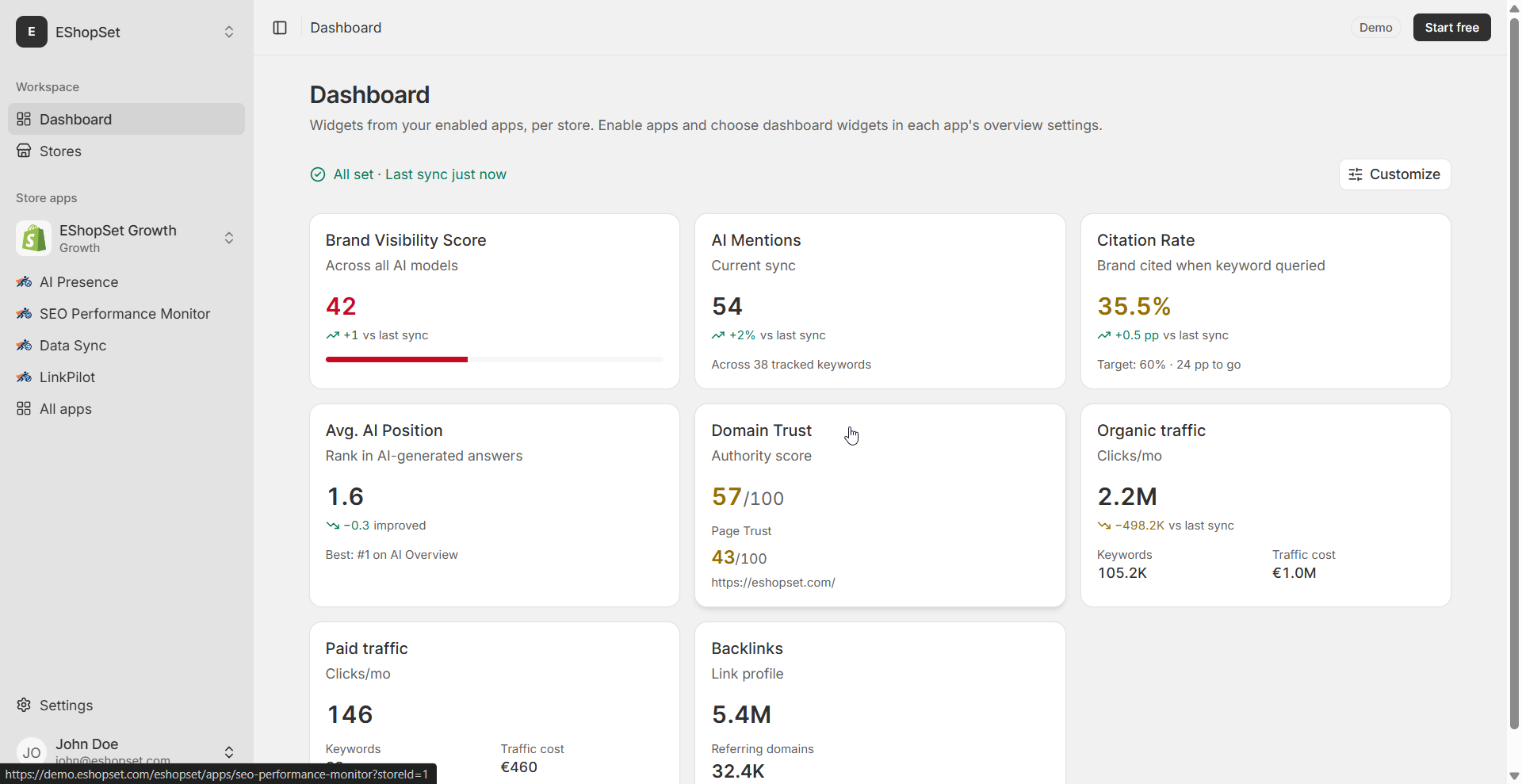
This discussion perfectly highlights why a consistent, reliable view of your store's SEO performance is non-negotiable for Shopify merchants. We think the community member's theories about data centers and pagination signals are spot on, emphasizing Google's dynamic nature. Instead of getting caught up in these fleeting SERP shifts, merchants should focus on foundational SEO excellence. Our SEO Performance Monitor provides the objective data you need to track real ranking progress, while AI Presence helps you create the high-quality, relevant content that Google consistently values, making your pages more resilient to these minor fluctuations.
Ultimately, while Google's algorithms might dance to their own tune, your goal remains clear: provide the best possible experience for your customers and the clearest possible signals to search engines. By focusing on quality content, technical excellence, and smart internal linking, you'll build a resilient Shopify store that stands strong, no matter how much Google's SERPs decide to jiggle.