Mastering Shopify B2B Draft Orders: Your Workflow Guide for Wholesale Success
Hey there, fellow Shopify merchants! It’s exciting when your business grows and you venture into new territories like B2B wholesale. But let's be honest, sometimes these new steps can feel a bit like navigating a maze blindfolded. We recently saw a fantastic discussion in our community that perfectly captures this feeling: a merchant, thrilled to get their first wholesale order, suddenly found themselves staring at a 'draft order' and a whole lot of questions.
Sound familiar? You're not alone. What seems straightforward for regular retail orders – customer pays, order appears, you ship – can get a little murky with B2B. Let’s break down that community discussion and clear up the confusion around Shopify B2B draft orders, especially when you're dealing with payment terms like Net 14. Understanding and streamlining this process is crucial for efficient daily operations, making it one of the best Shopify apps for store ops – or rather, the best practices for using your Shopify store effectively.
The First Wholesale Order Conundrum
The original poster shared their experience: a retailer placed their 'first wholesale order,' but instead of a standard paid order, they received an email about a 'New draft order.' They found themselves looking at options like 'Send invoice,' 'Collect payment,' and 'Payment due later,' and wondered:
- Has the retailer actually placed an order, or is this still waiting for approval?
- Has anything been paid yet?
- Am I supposed to finalize this draft order myself, or should the retailer complete something on their end?
- How do I turn this into a regular order with 14-day payment terms, without accidentally charging the customer or marking it as paid?
These are all excellent questions that highlight a common point of confusion for merchants transitioning to B2B on Shopify. Let’s dive into the answers our community experts provided.
Demystifying Shopify Draft Orders: Your Role in the B2B Workflow
The consensus from the community was clear: if you receive a 'New draft order' email, it's exactly that – a draft. Several members confirmed, "Still a draft. Nothing's been paid, and it stays a draft until you turn it into an order." Another community member emphasized, "A draft order basically means it isn’t a completed paid order yet." This means the ball is entirely in your court as the merchant to review and finalize the order.
For non-Shopify Plus stores, this manual draft order process is standard for B2B transactions. It gives you, the store operator, the necessary control to verify order details, apply specific pricing, and set custom payment terms before the order becomes official.
Step-by-Step: Converting a Draft Order to a Regular Order with Payment Terms
Here’s the definitive workflow, distilled from the community's collective wisdom, to handle your Shopify B2B draft orders with confidence:
- Access the Draft Order: When you receive the "New draft order" email, click the button to review it in your Shopify admin.
- Review and Adjust Details: The original poster noted missing shipping and billing addresses, which they added manually. Always double-check customer details, products, and quantities.
- Enable "Payment due later": This is the critical step for managing payment terms. A community member advised, "Check the Payment due later box." This option prevents immediate payment collection.
- Set Payment Terms: This is where your Net 14 terms come into play. While Shopify's presets might not include an exact "Net 14," you have options:
- Fixed Due Date: As suggested by multiple contributors, you can select a fixed date 14 days from the order creation. "Choose 'payment due later' and a fixed due date matching your agreement," one member recommended.
- Net 15: If a fixed date isn't preferred, "Net 15" is the closest standard option available in Shopify's dropdown.
- Create the Order: Once "Payment due later" is toggled and terms are set, click "Create order." This action transforms the draft into a regular, unfulfilled order with payment pending. "That converts the draft into a normal unfulfilled order with payment pending," confirmed a respondent.
- Send the Invoice: After creating the order, you'll see an option to "Send invoice." This sends a professional invoice to your B2B customer, detailing their purchase and payment due date.
- Crucial Caution: Avoid "Mark as paid" or "Collect payment": Unless you have physically received payment, do NOT use these options. "Don't use Mark as paid, that records money you never received," warned a community member. These options will either charge the customer's card (if on file) or falsely mark the order as paid in your system.
- Set Default Terms (Pro Tip): To save time on future orders, set default payment terms for your B2B customers. "You can also set Net 14 as the default on the company’s location under Customers > Companies so you don’t have to do it each time," advised another contributor.
By following this workflow, you ensure that your B2B orders are processed correctly, respecting your agreed-upon payment terms without accidental charges or payment discrepancies.
Streamlining Your Daily Operations with EShopSet
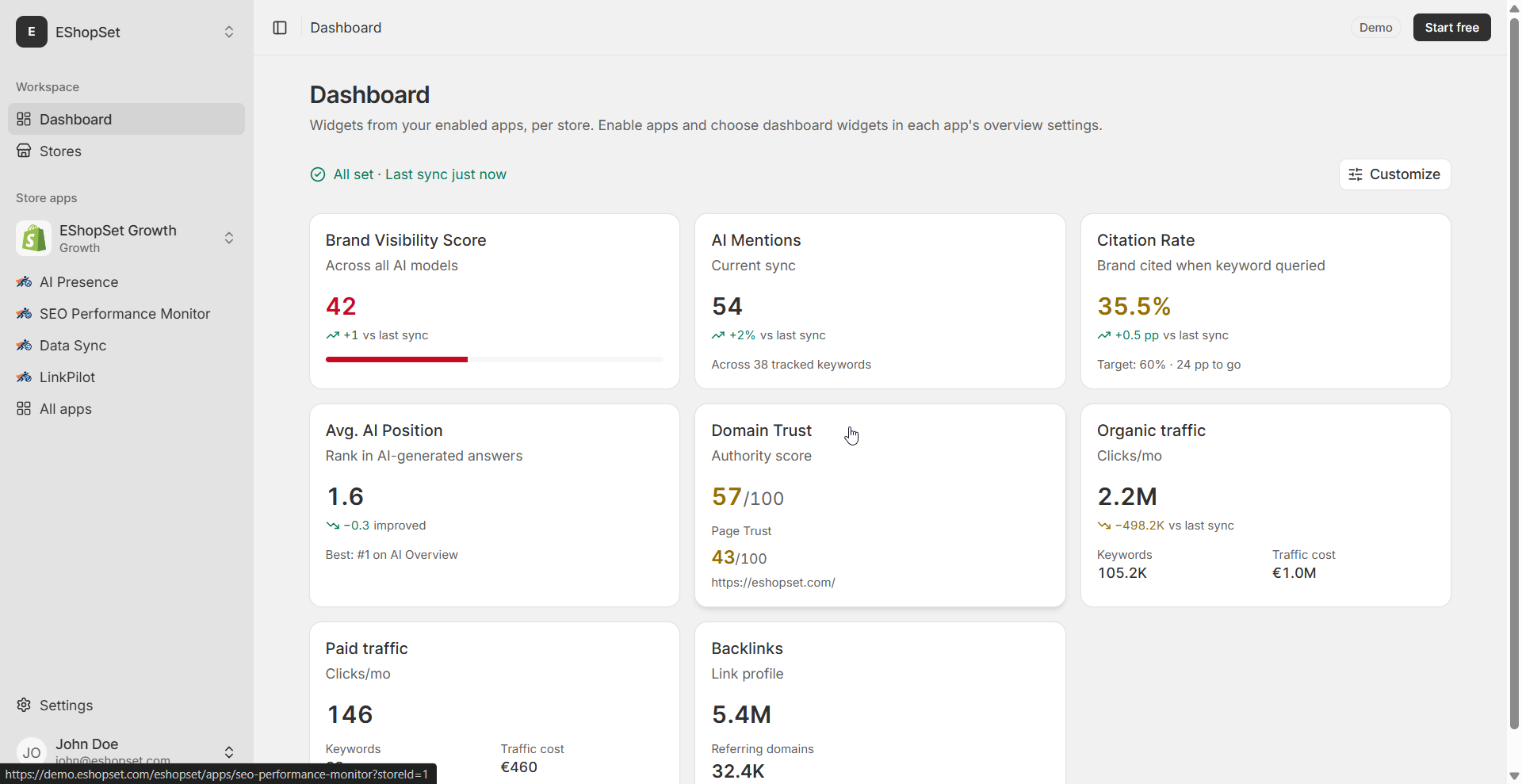
Mastering the manual steps for B2B draft orders is a significant part of managing your store's daily operations. However, a truly efficient merchant workflow extends beyond just order processing. This is where EShopSet comes in, offering a suite of best Shopify apps for store ops designed to simplify and enhance your daily tasks.
Seamless Data Management with Data Sync
Once your B2B orders are finalized, accurate data is paramount. Our Data Sync app ensures that all your product, inventory, and order information is consistently updated across your Shopify store. This is vital for B2B, where large orders can quickly impact stock levels. With Data Sync, you can prevent overselling and ensure your wholesale customers always see accurate product availability, maintaining trust and efficiency in your supply chain.
Amplify Your Brand with AI Presence
While handling draft orders is a backend process, the professionalism and efficiency of your operations contribute directly to your brand's perception. AI Presence helps you maintain a consistent and compelling brand voice across all your customer touchpoints. By freeing up time from manual order processing, you can dedicate more resources to crafting engaging product descriptions and marketing copy that resonate with both your B2C and B2B audiences, ensuring your brand stands out.
Boost Visibility with SEO Performance Monitor
Efficient order management frees up valuable time. Time that can be reinvested into crucial growth activities, like optimizing your online visibility. Our SEO Performance Monitor helps you keep a close eye on your store's search engine rankings and identify opportunities for improvement. A well-optimized store attracts more traffic, which in turn leads to more orders – both retail and wholesale. By streamlining your operational workflows, you gain the bandwidth to focus on strategic initiatives that drive sustained growth.
Conclusion
Navigating your first Shopify B2B wholesale order, particularly when it comes in as a draft, can initially seem daunting. However, by understanding the clear workflow for converting draft orders into finalized transactions with appropriate payment terms, you empower yourself to manage your wholesale business effectively. This attention to detail in your daily operations, combined with the power of EShopSet's apps like Data Sync, AI Presence, and SEO Performance Monitor, ensures your Shopify store runs smoothly, efficiently, and profitably. Master these workflows, and you'll be well on your way to B2B success.