Taming the Traffic: How Shopify Merchants Can Combat Bot Influx and Clean Up Data
Ever log into your Shopify analytics only to scratch your head at a sudden surge of traffic from a seemingly random location, say, Singapore, with visitors landing and leaving in seconds? You're definitely not alone. This is a common pain point for many Shopify merchants, and it was the hot topic in a recent community discussion I followed. The original poster was grappling with 'massive bot traffic' and looking for ways to stop it.
This isn't just an annoying anomaly; it's a real operational headache. Bot traffic can seriously pollute your data, skew your conversion rates, and make it incredibly difficult to tell what's actually working for your store. Let's dive into what the community had to say and how you can tackle this.
The Bot Problem: More Than Just 'Ugly Numbers'
One community member hit the nail on the head: while bots themselves are often 'mostly harmless' in terms of direct damage, their impact on your conversion rate is significant. Imagine running an ad campaign or tweaking your product pages, only to see no real change because your visitor numbers are inflated by non-buying bots. It makes informed decision-making nearly impossible.
Another respondent highlighted that this issue isn't new, with Google Ads sometimes being a culprit. The 'land and leave' visits, especially from data center hubs often geolocated to places like Singapore, Ashburn, or Council Bluffs, are a dead giveaway. These aren't real shoppers; they're automated scripts.
What makes it tricky? Shopify's built-in 'Human or bot session' filter, while helpful, isn't foolproof. As one expert pointed out, if a bot pretends to be a known human agent like Chrome, it often slips through detection. Many bots are sophisticated enough to mimic real browser user agents (e.g., Chrome 145, Mac OS 10.15.7), making them harder to spot with basic tools.
Identify Before You Block: The Golden Rule
The consensus from the discussion was clear: don't just block a whole country out of hand. You risk catching legitimate customers using VPNs or traveling. Instead, the first step is always to identify the bot behavior. Here’s how:
-
Look Beyond Geography: While Singapore might be the reported origin, proxies and VPNs can obscure the true source. Focus on behavior patterns over just location. Are these sessions doing anything besides hitting a page and leaving?
-
Analyze Session Metrics: Check for near-zero session duration, single-page bounces (especially on the homepage), no product views, no add-to-carts, and zero conversions. These are classic bot signatures.
-
Check User Agents and Devices: As the original poster noted, many bots will show up as common browsers like Chrome on macOS. However, look for unusual versions or patterns. Combine this with location data. If you see many 'Chrome on Mac' sessions from a known data center IP range, it's likely a bot.
-
Source and Landing Page: Do these sessions all come from the same referral source or hit the same landing page? Patterns here can help you pinpoint the origin.
Actionable Steps to Combat Bot Traffic
1. Clean Up Your Analytics
Even if you can't stop every bot from hitting your site, you can clean up your reporting. Shopify's 'Human or bot session' filter is a start. For more granular control, export your data and filter out sessions based on the behavioral patterns identified above. This allows you to see your 'real' conversion rates and make better decisions about your marketing spend and SEO strategies. Without clean data, it's tough to know if your efforts, including those to improve your SEO, are truly paying off.
2. Implement a Web Application Firewall (WAF)
For a more robust solution, several community members suggested putting your custom domain behind a service like Cloudflare (they offer a free tier). This allows you to implement a Web Application Firewall (WAF) custom rule. You can issue a 'Managed Challenge' for specific Autonomous System Numbers (ASNs) – these are blocks of IP addresses owned by hosting providers – or even countries like Singapore, while still allowing known search engine crawlers to access your site. This stops bots before they even reach your Shopify storefront, preventing them from polluting your analytics in the first place.
As one advanced user explained, with Cloudflare, you get real-time telemetry, allowing you to quickly spot and halt floods of malicious traffic. This is a more effective method than simply blocking entire countries, which can have unintended consequences.
3. Be Wary of App-Level Blockers (Alone)
While apps can help, some app-level blockers operate via storefront JavaScript. This means the bot request has already hit Shopify, and the session might still be logged in your analytics, even if the app prevents further interaction. For truly clean data, blocking at the network edge (like with Cloudflare) is often more effective.
EShopSet Team Comment
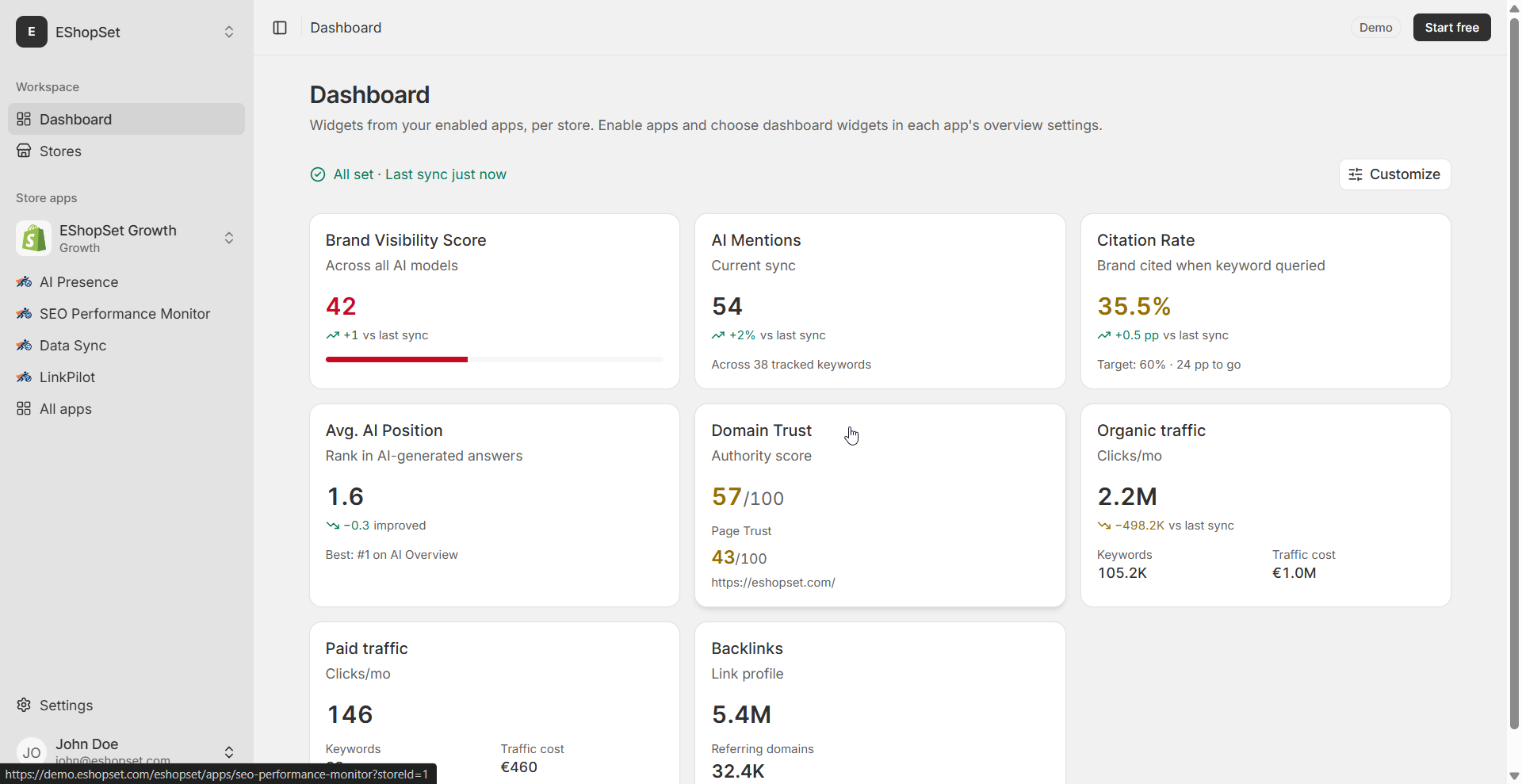
This discussion perfectly illustrates why clean data is the bedrock of effective ecommerce operations. Bot traffic isn't just a nuisance; it actively undermines your ability to make informed decisions. Our SEO Performance Monitor relies on accurate traffic data to give you meaningful insights into your rankings and visibility, so filtering out bot noise is crucial for its effectiveness. Similarly, AI Presence helps you optimize content based on real user engagement, which is impossible if your data is skewed. While Data Sync ensures your catalog is consistent, it's the quality of the underlying traffic data that truly informs your strategy. We recommend a proactive approach to data integrity, focusing on identifying bot behavior and implementing preventative measures like WAFs to ensure your insights are always based on genuine customer interactions.
Ultimately, the goal is to ensure your analytics truly reflect human behavior, allowing you to accurately measure performance, optimize your store, and make smarter business decisions. Whether you're trying to figure out the best shopify seo apps for your store or fine-tuning your ad spend, clean data is your most valuable asset.