The Ghost in the Cart: Fixing Persistent WooCommerce Items & Protecting Your HubSpot Data
Ever had a client call you, utterly baffled, because their WooCommerce cart is playing a cruel joke? They remove an item, only for it to reappear like a stubborn ghost, or worse, get replaced by another item they just tried to delete. It’s frustrating, confusing, and a surefire way to lose a sale. If this scenario sounds familiar, you’re not alone. We recently stumbled upon a community discussion that perfectly encapsulates this insidious problem, offering some invaluable insights for agency owners, project managers, and developers navigating the complex world of WooCommerce operations.
The Ghost in the Cart: When Removed Items Persist
The original poster in a recent community thread laid out a classic WooCommerce conundrum: after clearing the cache, customers could make purchases, but a lingering issue persisted. Clicking the “X” to remove an item from the cart didn't clear it; instead, another item popped up, or the same item reappeared. Each click became a frustrating loop, replacing the item with the one just removed. The poster rightly suspected that clearing the cache was merely a band-aid, hinting at deeper AJAX-related issues.
This isn't just a minor glitch; it's a conversion killer. Imagine a customer trying to refine their order, only to be met with a broken cart experience. They're likely to abandon their purchase altogether. For agencies, diagnosing and fixing such issues swiftly is paramount to client satisfaction and, ultimately, your reputation. More critically, a broken cart directly impacts the integrity of your client’s entire RevOps pipeline, especially when integrated with powerful platforms like HubSpot.
Unmasking the Culprit: Aggressive Caching & AJAX Cart Fragments
The community responses were remarkably consistent, pointing almost unanimously to aggressive caching and WooCommerce's AJAX cart fragments as the primary suspects. As one respondent aptly put it, this sounds like “the never ending Woo session/cart fragment issues.” Another contributor highlighted how “server-side caching tools get way too aggressive and forget to bypass the checkout pages.”
Here’s the breakdown of what's likely happening:
- Stale Session Data: WooCommerce relies on session data to manage the cart. If your caching layer is too aggressive, it might serve an outdated version of the cart, leading to the "ghost item" phenomenon. The server thinks the item is gone, but the user's browser is stuck with old data.
- AJAX Cart Fragments Issues: WooCommerce uses AJAX to dynamically update the cart without a full page reload. This relies on a specific AJAX call (
wc-ajax=get_refreshed_fragments) to fetch the latest cart data. If this call is cached, blocked, or interfered with by another plugin, the cart won't update correctly. - Overzealous Caching Tools: Many server-side caching tools (like Varnish, LiteSpeed Cache, or even CDN caching) and WordPress plugins (like WP Rocket, W3 Total Cache) can be configured to cache almost everything. While great for static content performance, this becomes problematic for dynamic elements like the cart.
- Plugin/Theme Conflicts: Less common but still a possibility, another plugin or a custom theme might be interfering with WooCommerce's core AJAX functionality or session management.
The Ripple Effect: Why a Broken Cart Harms Your HubSpot RevOps
For agencies leveraging HubSpot for their ecommerce clients, a persistent cart issue isn't just a conversion problem; it's a data integrity nightmare that can cripple your client's entire Revenue Operations (RevOps) strategy. HubSpot's CRM, Sales Hub, and Commerce tools thrive on accurate, real-time data from the storefront. When the cart breaks:
- Inaccurate Cart Abandonment Data: If items reappear, a customer might abandon their cart, but the system might not register it correctly, or worse, register a different set of items. This leads to misfired cart abandonment emails and inaccurate reporting in HubSpot Marketing Hub.
- Compromised Sales Hub & CRM Insights: Sales teams rely on customer behavior data to personalize outreach. If cart data is unreliable, insights into customer preferences, purchase intent, and potential upsells are flawed, leading to less effective sales strategies.
- Flawed HubSpot Commerce Analytics: HubSpot Commerce provides powerful analytics on storefront performance. A broken cart distorts key metrics like conversion rates, average order value, and customer lifetime value, making it impossible to make data-driven decisions.
- Disrupted Customer Journeys: HubSpot is designed to create seamless customer journeys. A frustrating cart experience at a critical touchpoint breaks this journey, leading to customer churn and a negative brand perception, directly undermining the goals of your HubSpot implementation.
Actionable Solutions for Agencies & Developers
Addressing the "ghost in the cart" requires a systematic approach. Here's how to troubleshoot and prevent these issues, ensuring a stable storefront that feeds reliable data into HubSpot:
1. Master Your Caching Configuration
This is the most critical step. Ensure your caching layers—whether server-side, CDN, or plugin-based—are properly configured to exclude dynamic WooCommerce pages.
- Exclude Critical Pages: Always exclude the following URLs from caching:
/cart/,/checkout/,/my-account/, and/wp-admin/. - Bypass WooCommerce AJAX: Ensure the WooCommerce AJAX endpoint is never cached. This is typically
/?wc-ajax=get_refreshed_fragments. Many caching plugins have specific WooCommerce integrations that handle this, but it’s crucial to verify. - Session Cookies: Confirm that your caching layer is not interfering with WooCommerce session cookies. These cookies are vital for tracking individual user carts.
- Tools like WP Rocket: As a community member suggested, tools like WP Rocket can be helpful if configured correctly. Navigate to their WooCommerce settings and ensure all relevant options for cart/checkout exclusions are enabled.
Example (conceptual Nginx configuration snippet for illustration):
location ~ /(cart|checkout|my-account|wp-admin) {
    expires off;
    add_header Cache-Control "no-store, no-cache, must-revalidate, proxy-revalidate, max-age=0";
    # ... other non-caching directives ...
}

location ~* "/wc-ajax=get_refreshed_fragments" {
    expires off;
    add_header Cache-Control "no-store, no-cache, must-revalidate, proxy-revalidate, max-age=0";
    # ... ensure no caching headers are sent ...
}
2. Diagnose AJAX & Plugin Conflicts
If caching exclusions don't fully resolve the issue, it’s time to dig deeper into potential conflicts:
- Theme & Plugin Conflict Test: The classic WooCommerce troubleshooting method. Temporarily switch to a default WordPress theme (like Storefront or Twenty Twenty-Four) and deactivate all plugins except WooCommerce. Reactivate them one by one to identify the culprit.
- Browser Developer Tools: Use your browser's developer console (Network tab) to monitor AJAX requests when removing an item. Look for failed requests, incorrect responses, or requests that aren't hitting the expected WooCommerce endpoints.
- WooCommerce System Status: Check the WooCommerce > Status page in your WordPress admin for any red flags related to server environment, memory limits, or conflicting plugins.
3. Proactive Monitoring & Staging Environments
Prevention is always better than cure. For agencies managing multiple client sites, robust operational practices are key:
- Staging Environments: Always test significant updates (WooCommerce, theme, plugins, caching configurations) in a staging environment before pushing to live.
- Regular Audits: Periodically review caching rules and plugin interactions, especially after major updates.
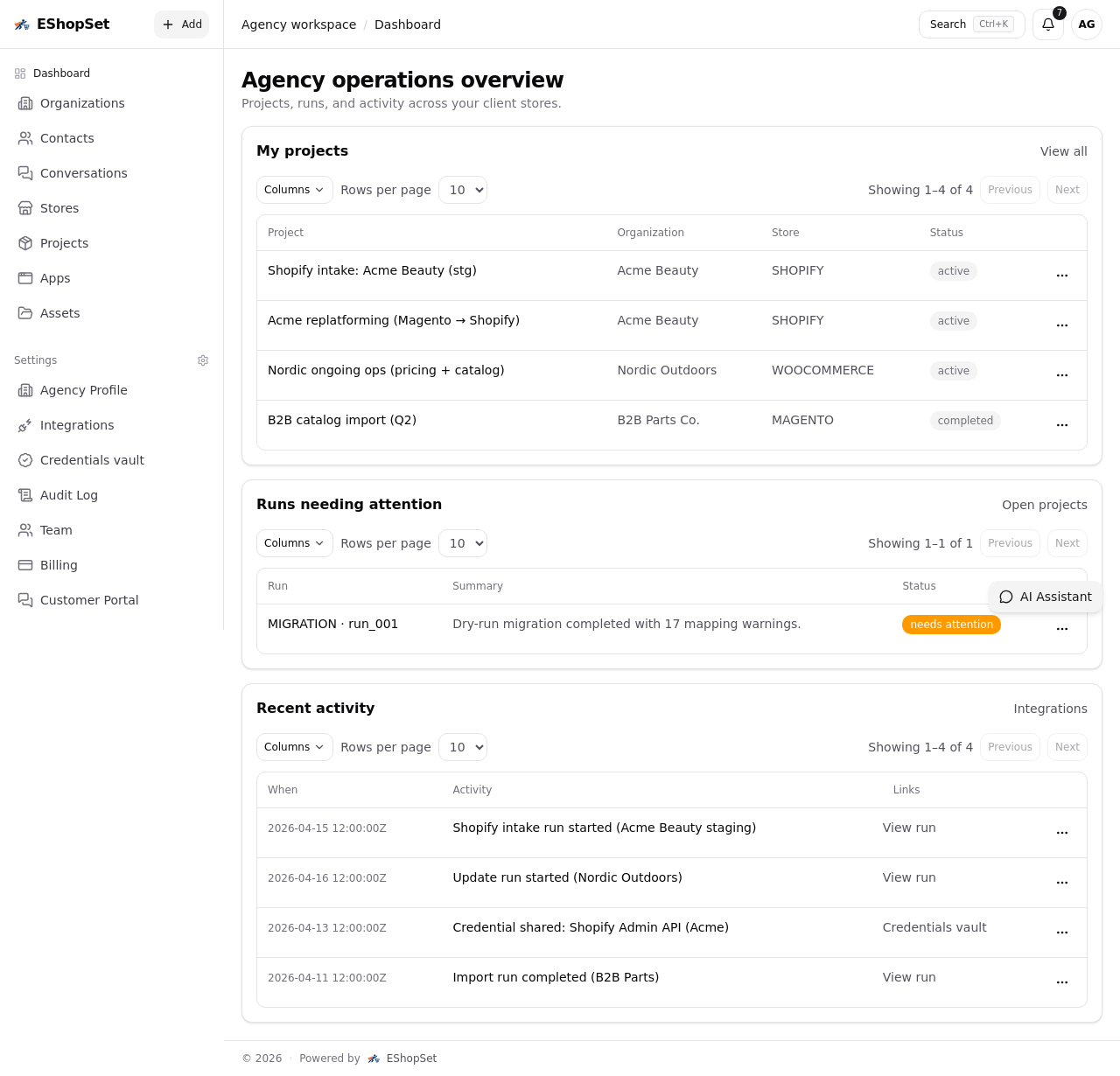
- EShopSet for Operations: EShopSet provides agencies with an operations workspace to monitor the health of their client storefronts, track key performance indicators, and ensure seamless data flow to HubSpot. Proactively identify and resolve issues before they impact conversions or corrupt your HubSpot data.
Conclusion: A Stable Storefront is Your HubSpot Foundation
The "ghost in the cart" might seem like a minor technical glitch, but its implications for ecommerce agencies and their clients are profound. It's a direct threat to conversions, customer satisfaction, and the integrity of the critical data that powers your HubSpot CRM, Sales Hub, and Commerce strategies. By understanding the common culprits—aggressive caching and AJAX issues—and implementing systematic troubleshooting and preventative measures, agencies can ensure a robust and reliable WooCommerce storefront.
A stable, high-performing storefront isn't just about making sales; it's the bedrock upon which effective RevOps and successful HubSpot integrations are built. Empower your agency with the tools and knowledge to conquer these challenges, ensuring your clients' ecommerce operations are always running smoothly and their HubSpot data remains pristine. Visit eshopset.com to learn how we help agencies streamline their ecommerce operations.